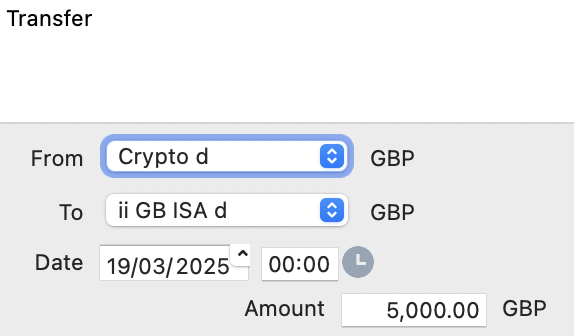
After successfully importing my SIPP and Crypto transactions (both of which have separate securities and and deposit accounts) I’m now trying to import my ISA transactions (also into a separate securities and and deposit account).
However I’m finding that the system is automatically setting the offset account for “Transfer (Inbound)” transactions to my crypto deposit account - I certainly didn’t specify that in the import and I can’t see any way to edit the transactions.
Any ideas please? Please let me know if you need more info …
And why didn’t you include the account as a column in the csv? If you are using it via PDF you could select the account in the GUI.
Hint: If you did a mistake delete the transaction and reimport it or click on the transaction (right-click) and edit it (there you could change the corresponding account). Don’t use the function to transfer it.
Thanks for your response - I’ve added an offset account column to the spreadsheet and that solved the problem. I needed to delete the Transfer (Outbound) rows but after doing that the balance are correct