Hi Everyone, first of all thanks to the devs for this great app, I love it!
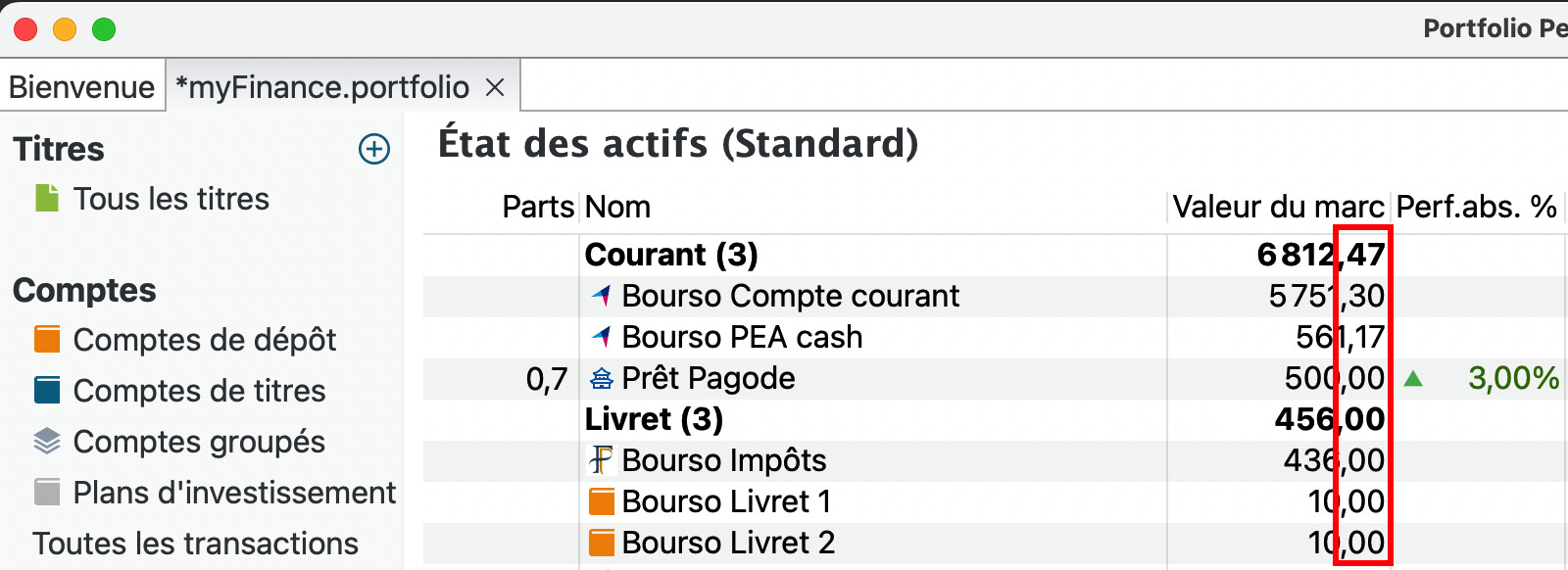
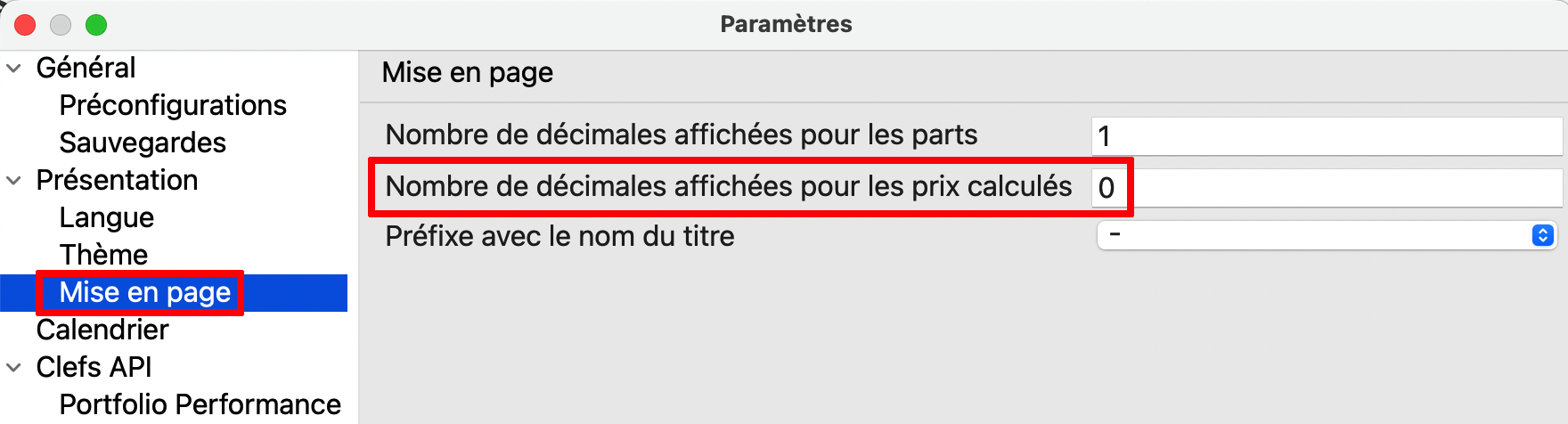
My problem is about the precision display. This can be set in the Formatting tab of the Settings. The reference manual says: “Keep in mind that the changes will only be visible with decimal numbers in read-only views, such as the Statement of Assets view”. In my case, I entered “0” in the settings to see the figures rounded to the nearest integer. However, I still see two decimal digits, and especially in the Statement of Assets view. Is that a known bug or is it just with me? Thanks for your help.
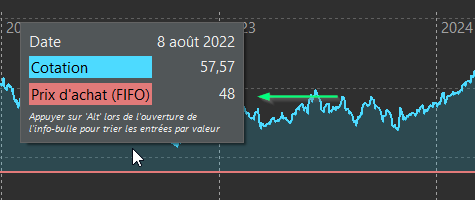
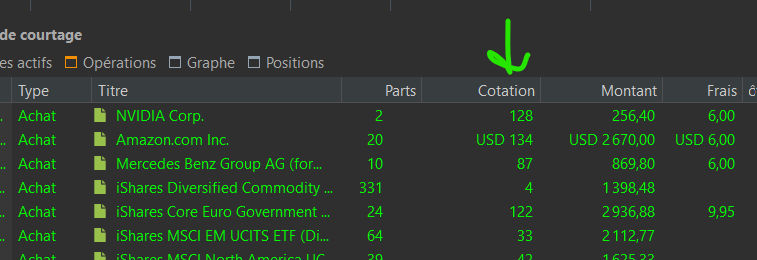
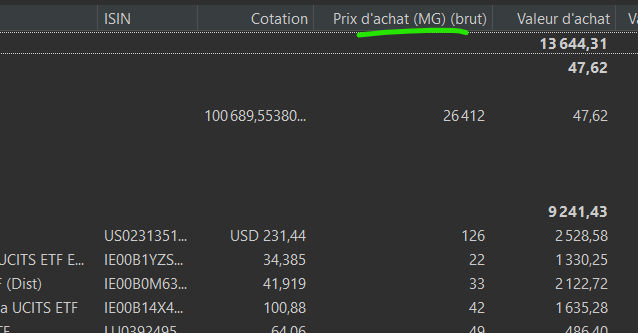
Hi Veterini, thanks a lot for this clarification. My bad: the translation is actually accurate but for some reason I thought this setting was about the totals. Got it now.
Maybe it could be an idea for a new feature to develop: adding the possibility to display the totals in units or thousands (or even millions for the lucky ones  ) instead of the fixed two digits?