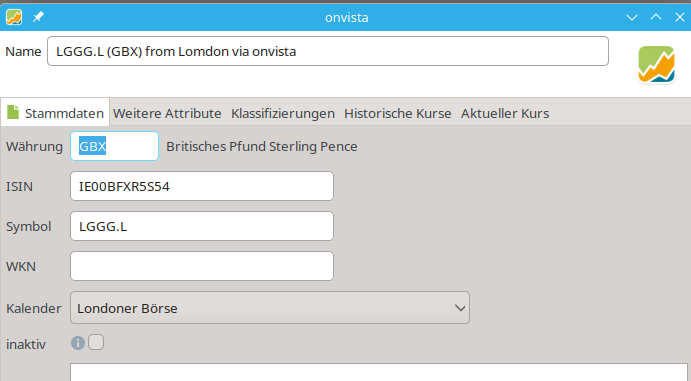
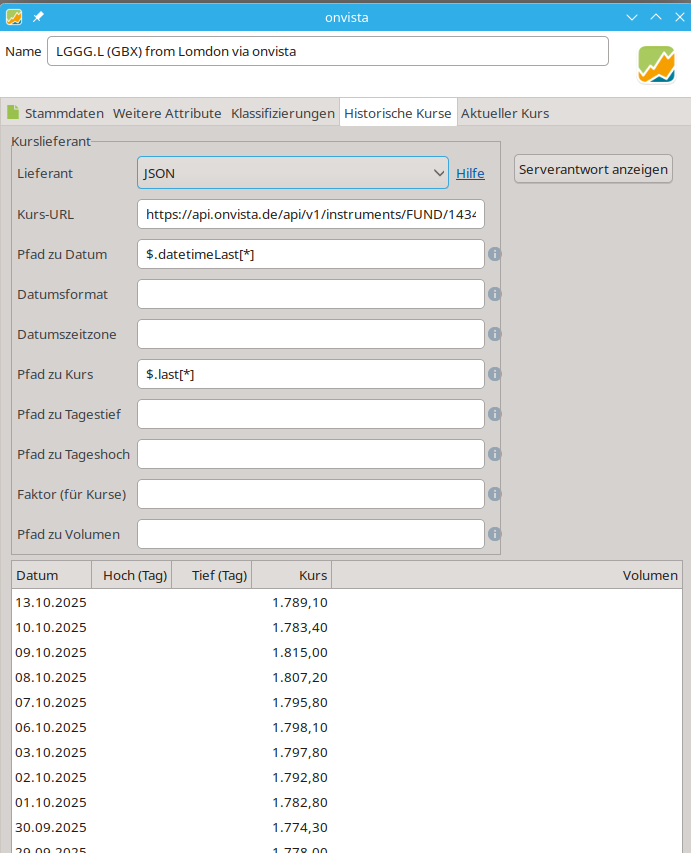
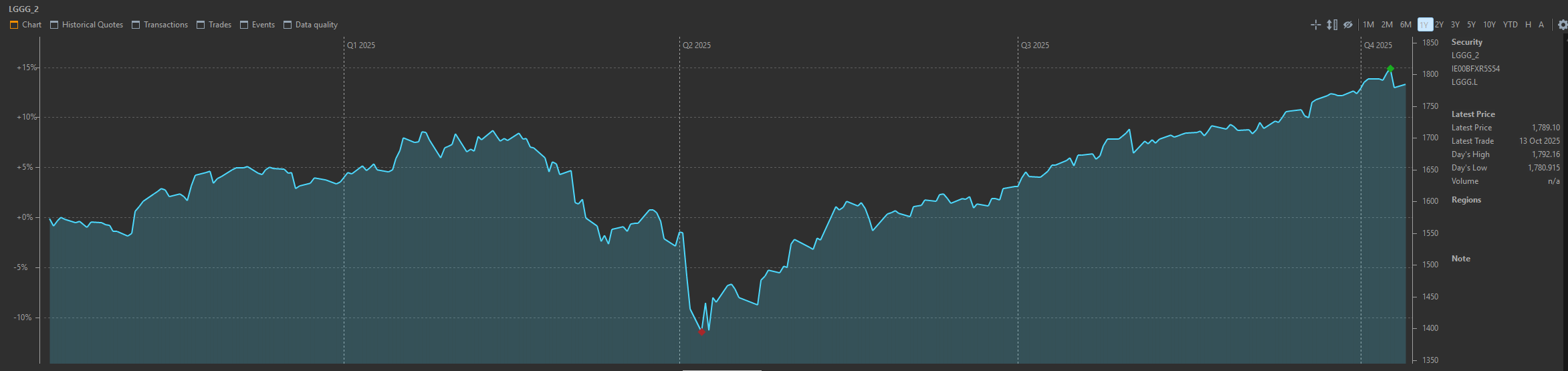
A couple of my ETFs have issues with the historical data when using the app’s built-in data feed.
I’ve found this website to be excellent for downloading historical data.
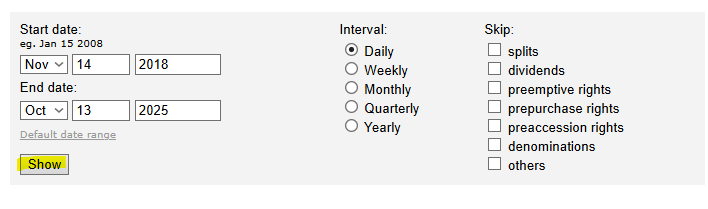
https://stooq.com/q/d/?s=lggg.uk&c=0
There’s a Download data in csv file… link at the bottom of the page. You may need to click the Show button before downloading the .csv.
I hope that’s helpful for anybody else with the same problem.
Hey omit9154,
what issues di you encounter with the data? I get all the quotes for my ETFs from the built-in source “table on website” and its works flawlessly.
Data from .csv file.
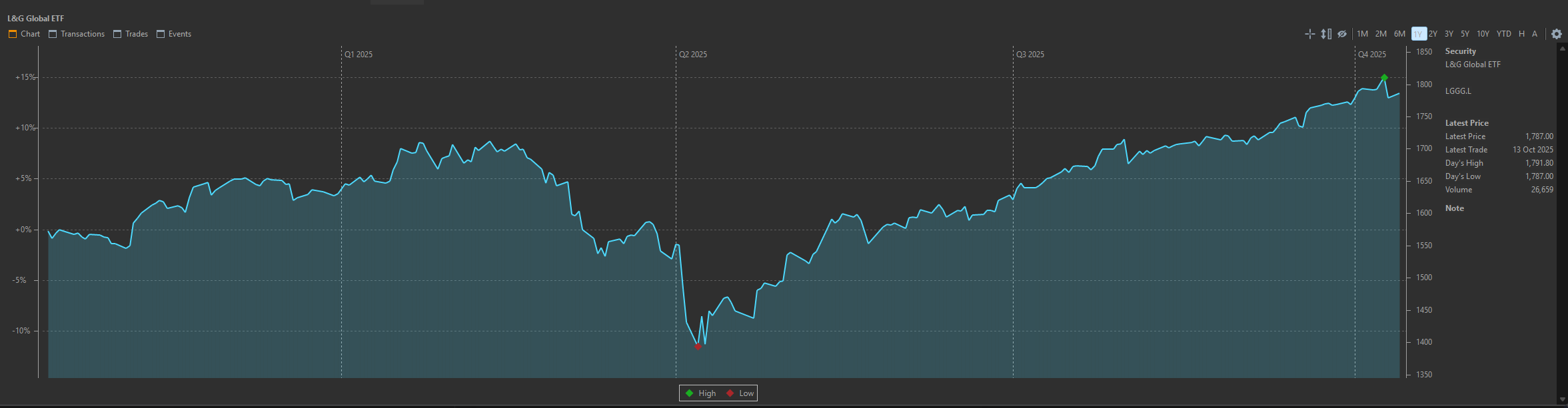
Built in tool.
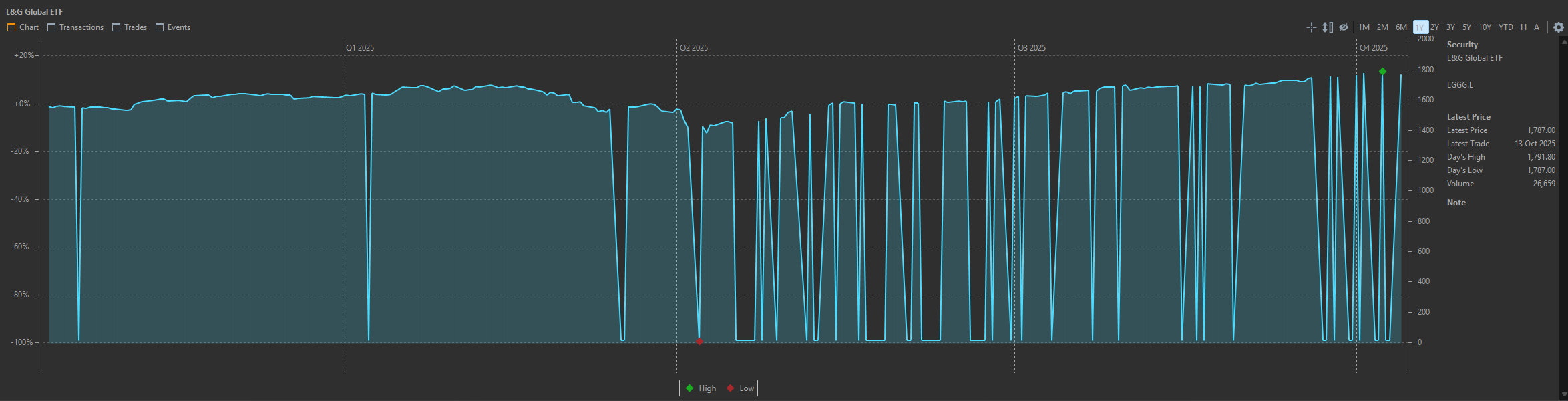
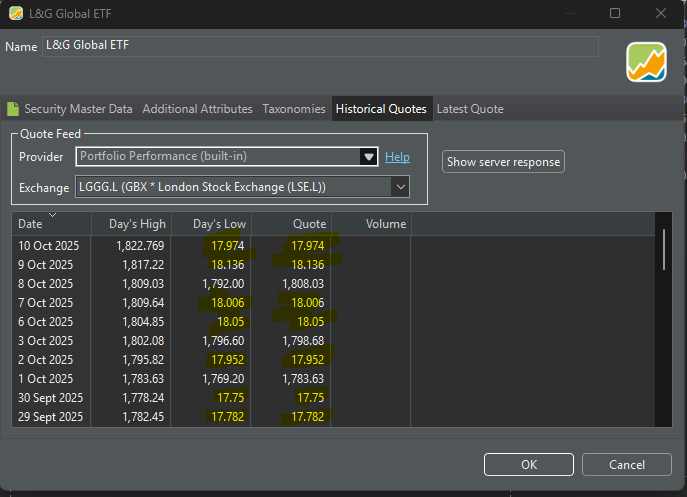
I think the problems are usually masked by the daily updates being correct. That data is stored in the database and it doesn’t attempt to download fresh historical data. It went haywire today and showed a gain of 9000% because the units of the previous day were GBP instead of GBX.
which source do you use for the historical quotes?
can you post the ISIN for me to try?
What about onvista?
https://api.onvista.de/api/v1/instruments/FUND/143463624/eod_history?idNotation=235540479&range=Y1&startDate=2024-09-13
Don’t forget write the startDate as a macro, described in Historische Kurse von Onvista nicht mehr lesbar - #193 by ProgFriese
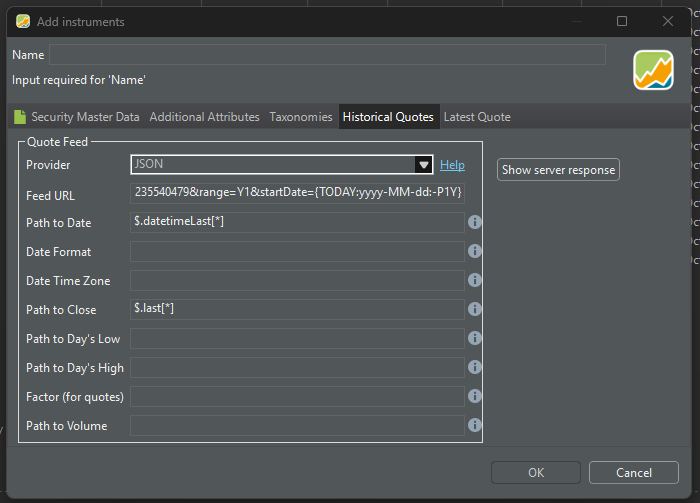
I tried adding that as JSON using these mappings, but it didn’t return any data.
https://api.onvista.de/api/v1/instruments/FUND/143463624/eod_history?idNotation=235540479&range=Y1&startDate={TODAY:yyyy-MM-dd:-P1Y}
Works for me.
It’s not working for me?
Edit
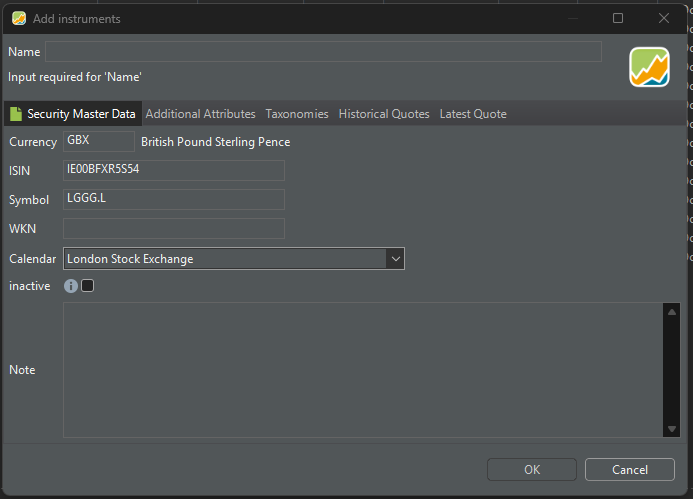
I had forgotten to give it a name.
Is it possible to fetch the full history of the share and not just the past 12 months?
I have no clue about JSON but maybe play a little with the expression inside the {} and/or the range?
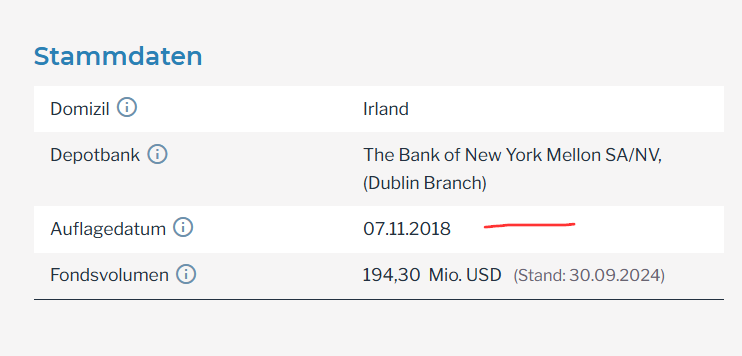
The fund startet
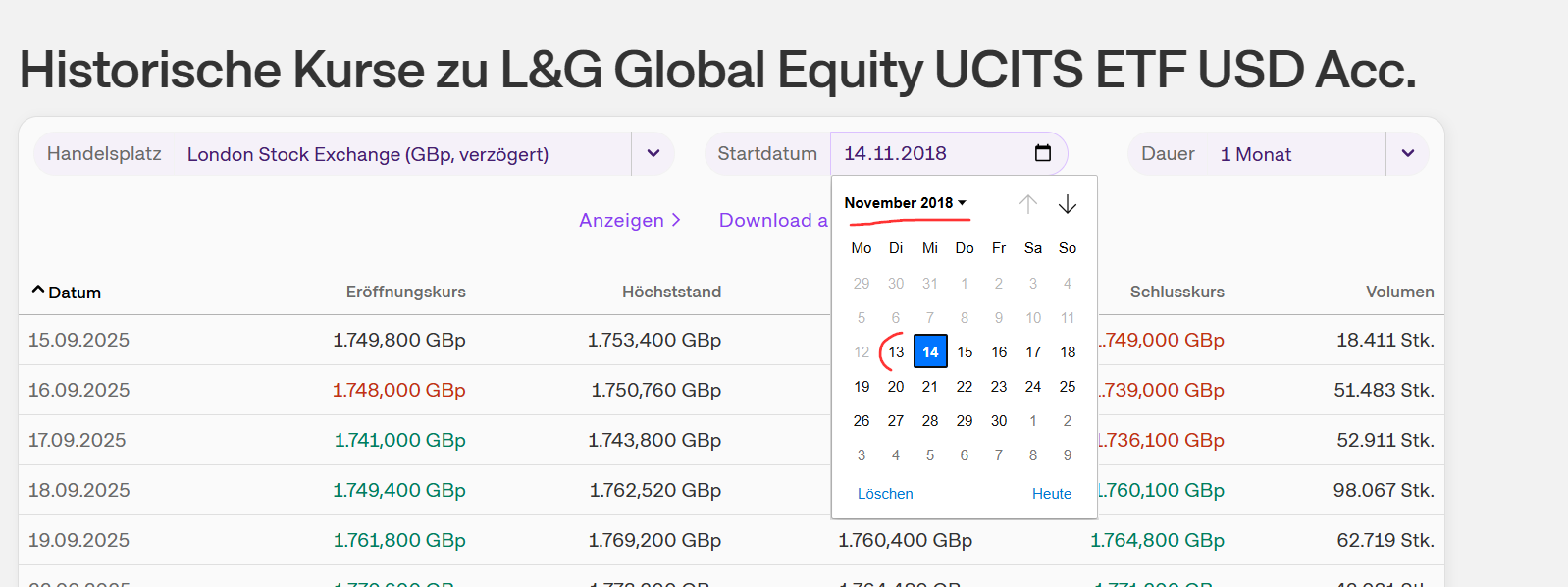
onvista has quotes from 2018-11-13
Edit the security, change the URL to
https://api.onvista.de/api/v1/instruments/FUND/143463624/eod_history?idNotation=235540479&range=Y10&startDate=2018-11-13
and when you click OK you get a question: “do you want to hold the quotes” or something like that. Say yes.
Edit again, and change the URL back to
https://api.onvista.de/api/v1/instruments/FUND/143463624/eod_history?idNotation=235540479&range=Y1&startDate={TODAY:yyyy-MM-dd:-P1Y}
Click OK and say yes again.
Thanks for sharing that thread. It’s a great data provider.
I followed this guide to get things working with the maximum data range.
Hallo zusammen,
ich nutze Portfolio Performance schon seit einer Weile. Kürzlich habe ich einige historische Buchungen und Aktien eingepflegt. Hier mal meine Dokumentation des Vorgehens am Beispiel von BMW:
Per ISIN oder Namen auf Onvista die entsprechende Seite suchen.
Kurslieferant wählen: Falls ich einen spezifischen Handelsplatz möchte, oder eine andere Handelswährung, dann gibt es über dem fett gedruckten aktuellen Kurs auf das (klein Fett) dargestellte Dropdown-Menü klicken was im F…
chart_history is apparently better than eod_history because there is no need to input dates.
https://api.onvista.de/api/v1/instruments/FUND/143463632/chart_history?idNotation=235540478&range=MAX&resolution=1D&withEarnings=true