-
Framework Conditions
Windows 11
Portfolio Performance
Version: 0.81.0 (December 2025)
Platform: win32, x86_64
Java: 21.0.5+11-LTS, Azul Systems, Inc. -
Steps to Reproduce
View > All Securities > Right Click Stock Name > Edit… > Historical Quotes -
Expected Behavior
View an editable list of all historical stock quotes in two columns: Date & Quote -
Actual Behavior / Error Pattern
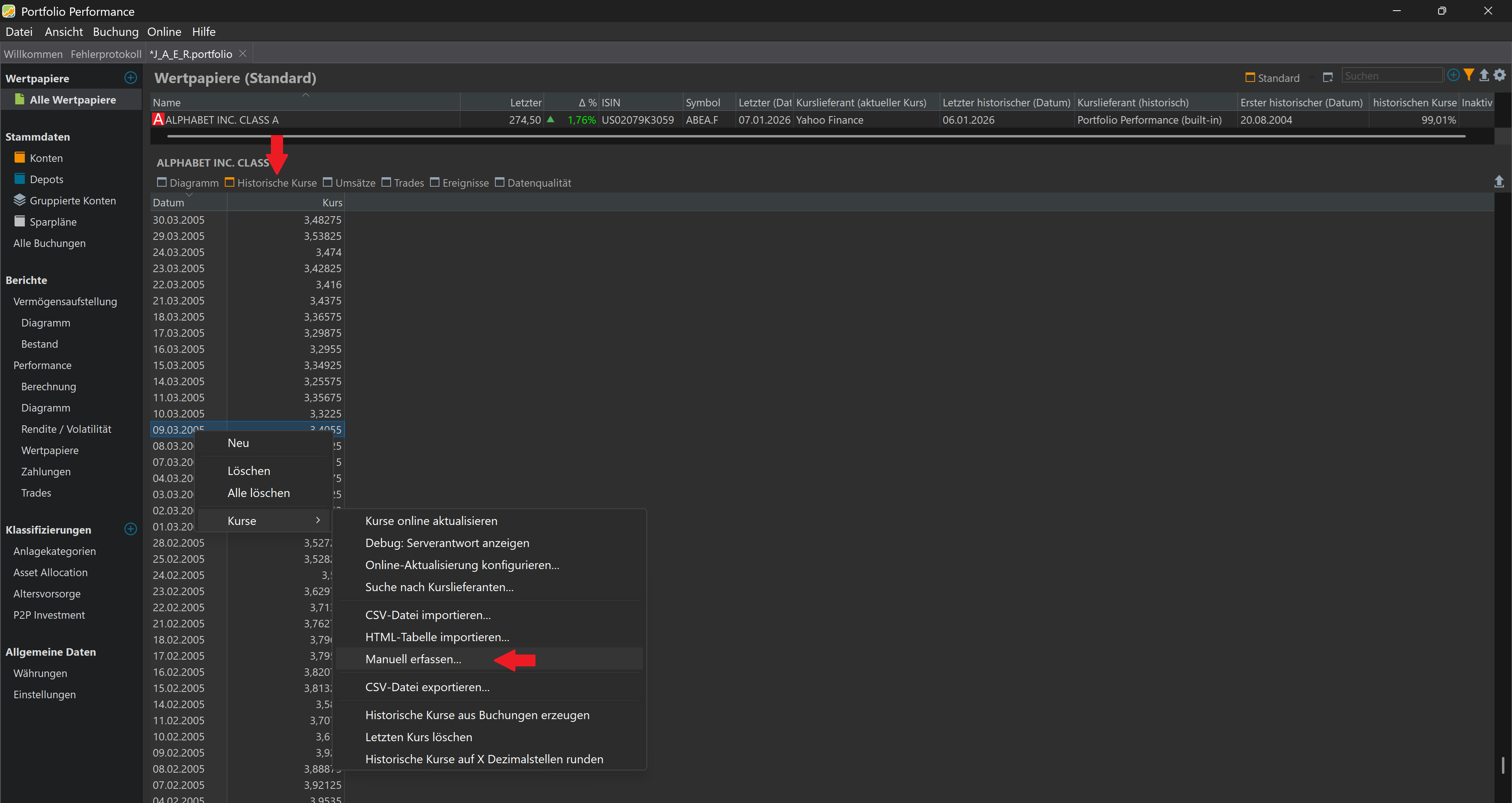
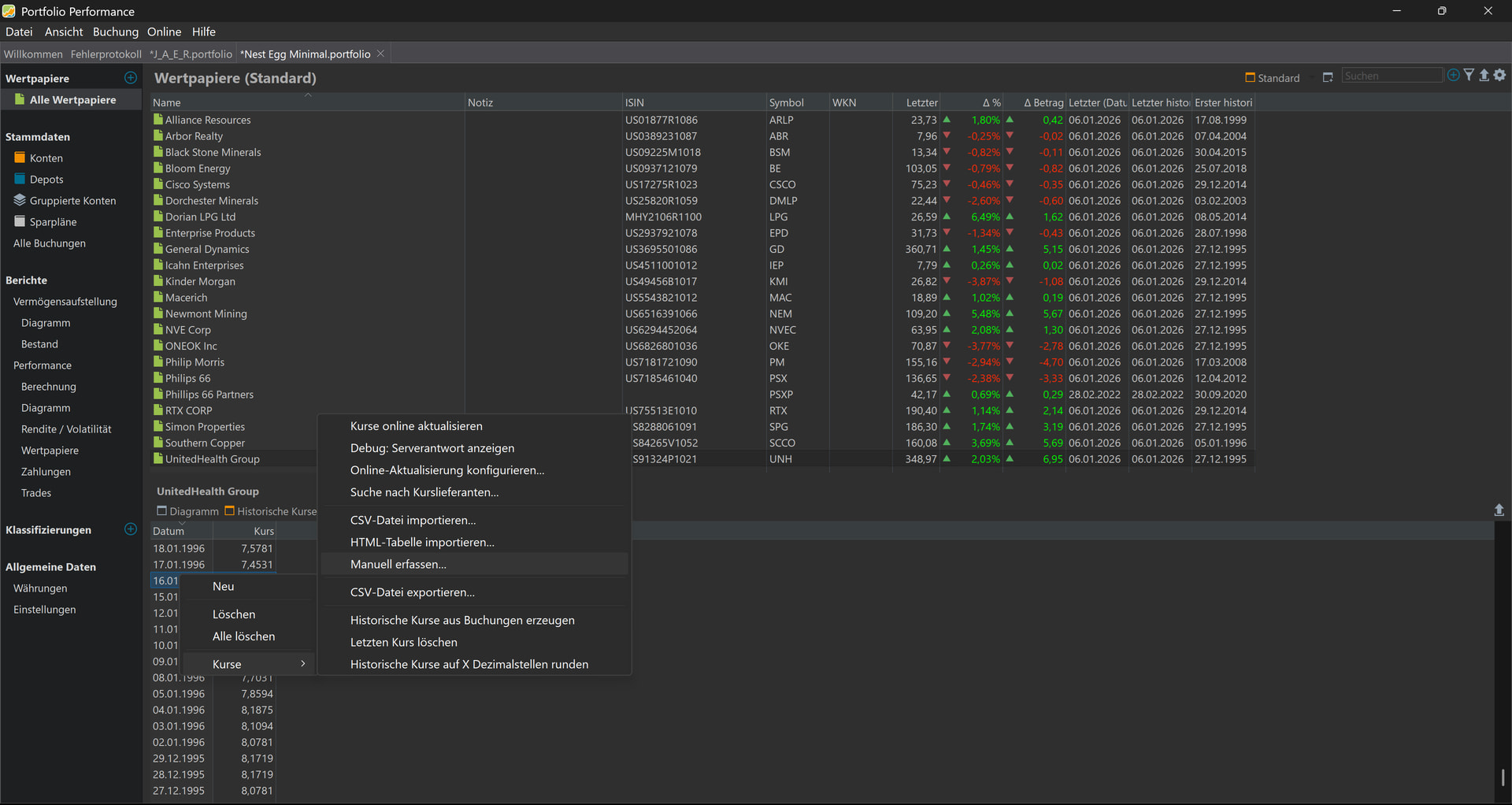
Screen of stock price quotes only shows about two months’ worth of recent history, and the list is not editable. See two screenshots showing the top of the list and a page down showing the bottom of the list. The list presented also provides Day’s High and Day’s Low quotes but these are not expected. This truncated list of historical quotes happens for many of the different securities in my file. -
Your Own Assumptions (Optional)
Note that the full history of stock price quotes is contained in the file as I am able to export all historical quotes without any issues. I think what is happening is the program is only calling for the last 60 days of quotes rather than the whole history and the list that it is presenting is not editable.
See attached zip folder: PP Minimal
PP Minimal.zip (2.0 MB)