thank you for your continued support.
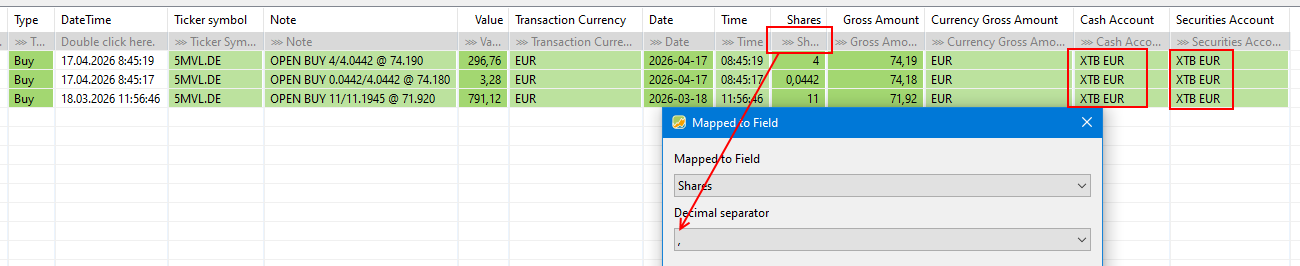
did the changes you proposed; the double click must be done for all the values, not just the shares, though, so i think it’s still simpler to do it in excel at once. Good to know about, though.
Overall, the holdings load (again, with the mysterious orange folder with a small value…), and the share amount seems okay. The market value is still a little off (about 1.18% for the entire portfolio), but this seems to be an issue of PP, not of your script.
It appears the “Quote” is wrong, despite it coming from the correct exchange… the Quote value from PP is nowhere to be found - not on the exchange’s page, not in its charts, nowhere. Strange.
Either way, that’s a PP thing. Thank you for your help, i really appreciate it! At least i now have my portfolio in PP, even if its value is wrong.
Edit: found sort of a work-around, maybe it will help some when dealing with the fact the Quote is wrong in PP. It helped me to right-click on the holding, edit, historical quote, and select Yahoo finance (adjusted close). This brought it in line with what my stock exchange shows. Upon saving, you will have to go Online (at the top) → Update quotes.
This changes the quote and the historical ones. It’s still not the live quote (maybe it would be on other stock exchanges), but it comes from the current day, and the historical quotes are in line with the stock exchange (it’s the Close value) - so hey, at least we know what the data shows!