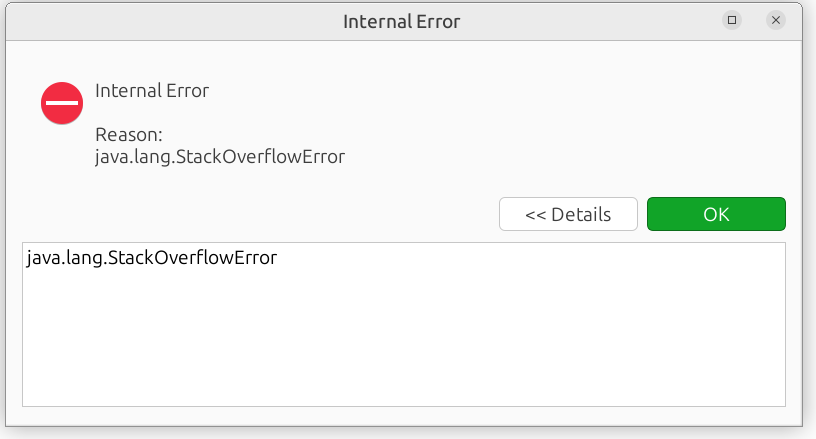
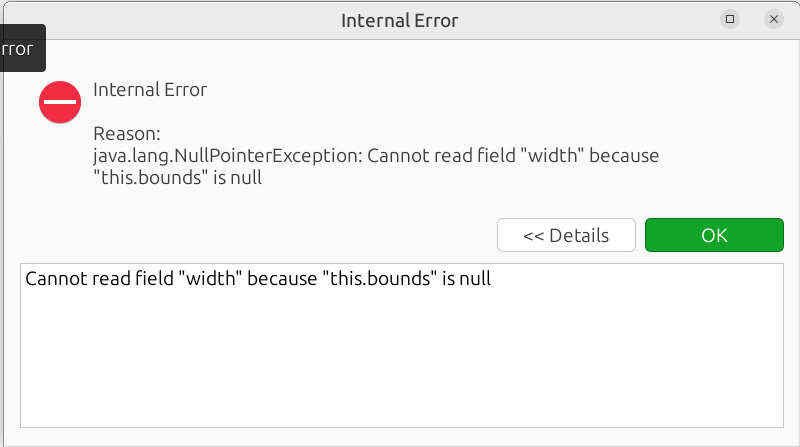
I face an issue with PP while accessing the taxonomies, As soon as I hit taxonomies on left pane, the whole PP crashes with tons of error message on the screen. I had to click 10+ okay on the error popup and the error popup keep on going. unable to close the error pop up window and unable to use PP.
I have force kill the application. As long as I’m not accessing the taxonomies on the left pane menu PP is doing fine.
Is there the full stack trace of the “StackOverflowError” in the log? I would need that.
It sounds to me something went “wrong” with your file. It would help me troubleshoot if you can share it via email with *portfolio dot performance dot help at gmail dot com". Of course, it is kept confidential.
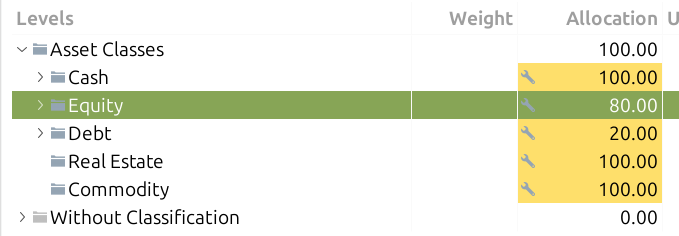
I wanted to tweak the asset allocation, So I have set the allocation field and navigating between view options and expanding the pane size. In the end, I caught this error every time.
I am not totally sure how this is created, but I am not sure if that is the problem. I edited a test file with those ranks and it did not create a problem.
If you remove those assignments - of course, do it on a backup copy - is the problem still showing up?
The full stack trace would be super helpful. Maybe you can share the full log as attachment to the email (Help menu → Save log…).
While launching the application in different environment, issue was not seen.
I have found this hidden config path in my home dir ~/.PortfolioPerformance, removed the directory and launched the PP. tada, Issue is gone now
I have a backup copy of these configs. Let me know if this needs to be further debugged.