First of all thank you for this amazing tool and the community forum.
I searched the forum and found solutions to many questions I had, however i am still struggling with one and I would like to ask for a bit of help.
I would to understand better which reporting period will be the most appropriate for my case to use, assuming I want to see the IRR from start to end for my portfolio. The reporting period starting from the day of the purchase or the day before?
Assuming one transaction only the MWRR pa and the IRR should be the same number, and this is indeed the case when I select the date of the first purchase, however if I select the day before the TWRR starts to drop and differ from the IRR.
Can somebody help with this and explain why this is the case and what reporting period I should use if I want to see the accurate IRR from beginning to end for my portfolio.
Thanks in advance, and once again this tool is a game changer for me, many thanks for creating it.
Edit: I am using the Delivery (inbound/outbound) method to isolate the performance only to the securities account.
Edit 2: I am experimenting with the day before the first purchase in order to be able to see the true performance neutral Transfers for my portfolio.
Your method is perfectly fine, just keep in mind with filters and taxonomies you can ignore and include everything what‘s in PP. So it‘s not needed to isolate cash accounts, but it’s not wrong either, it’s just a limitation of your possibilities.
Thanks for the confirmation. I think the TWRR p.a. is calculated from the starting date of the reporting period and this is where the difference with the IRR is coming from.(basically the longer the period(before the first purchase) the more the TWRR p.a. is dropping while the IRR correctly stays the same since the first cashflow is further in the future.
I have one more question and in order to not open new topic I will ask here.
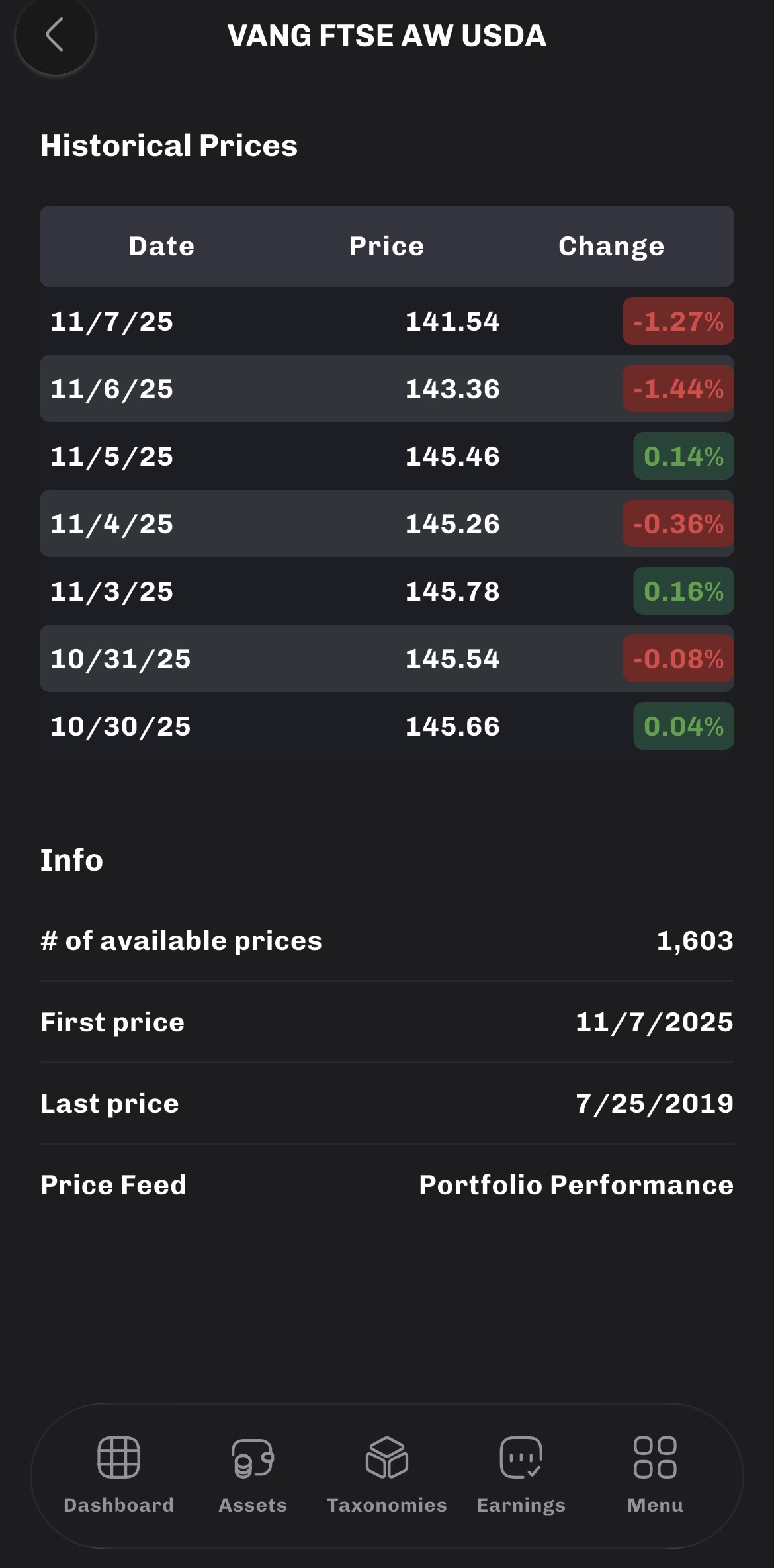
The date format on the app(for example historical prices) is mm.dd.yy and I want to switch it to dd.mm.yy how I can do that?
I am using the latest version of the PP app on Iphone 13 ios 26.1 and the default calendar on my phone is dd.mm.yy. On my PC and in the PP desktop app everything is set to dd.mm.yy. I just upload the file to google drive and download it on my phone, but the format is mm.dd.yy.
Which country and language have you configured on your phone?
Right now I am not using the pattern configured in the system settings (to be honest, I did not know that is possible) but take the default pattern of the given locale.
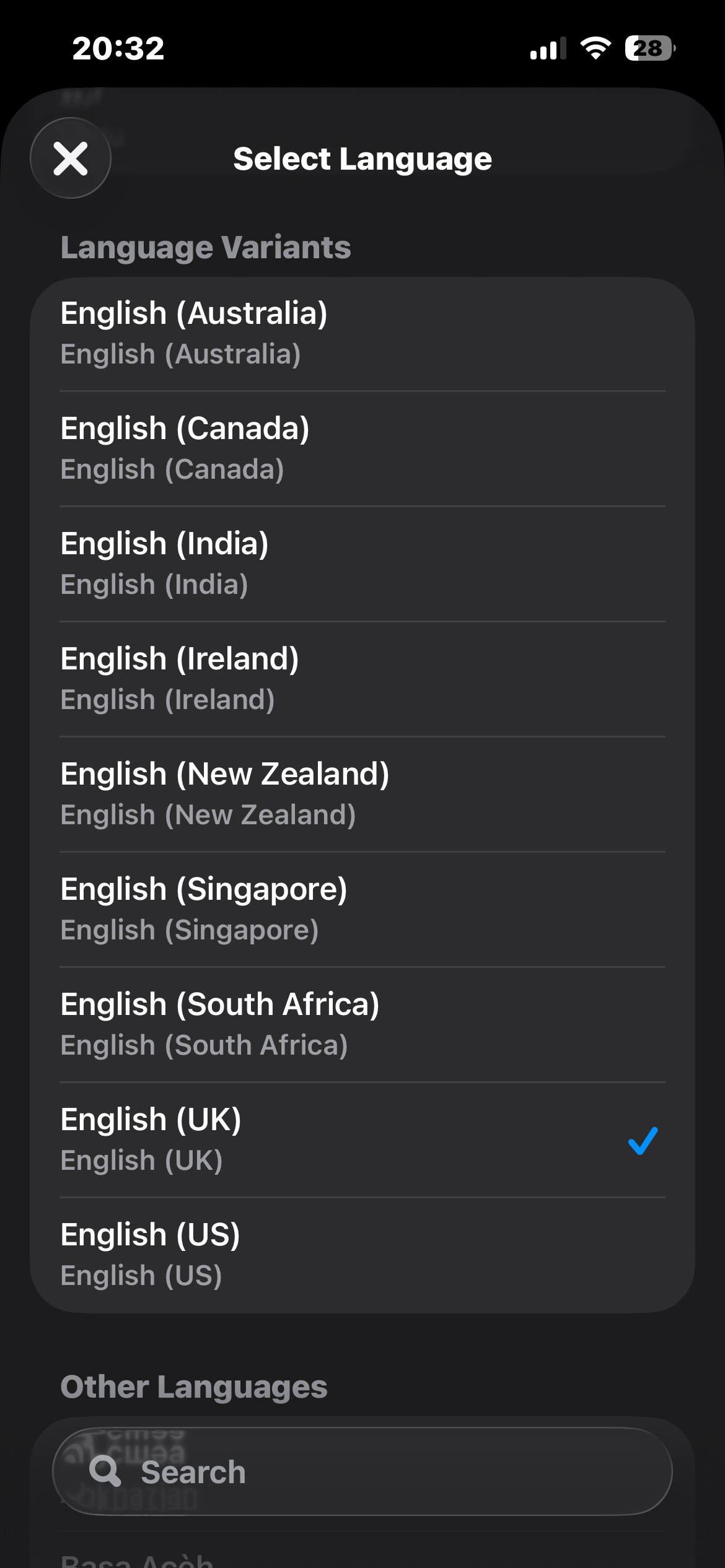
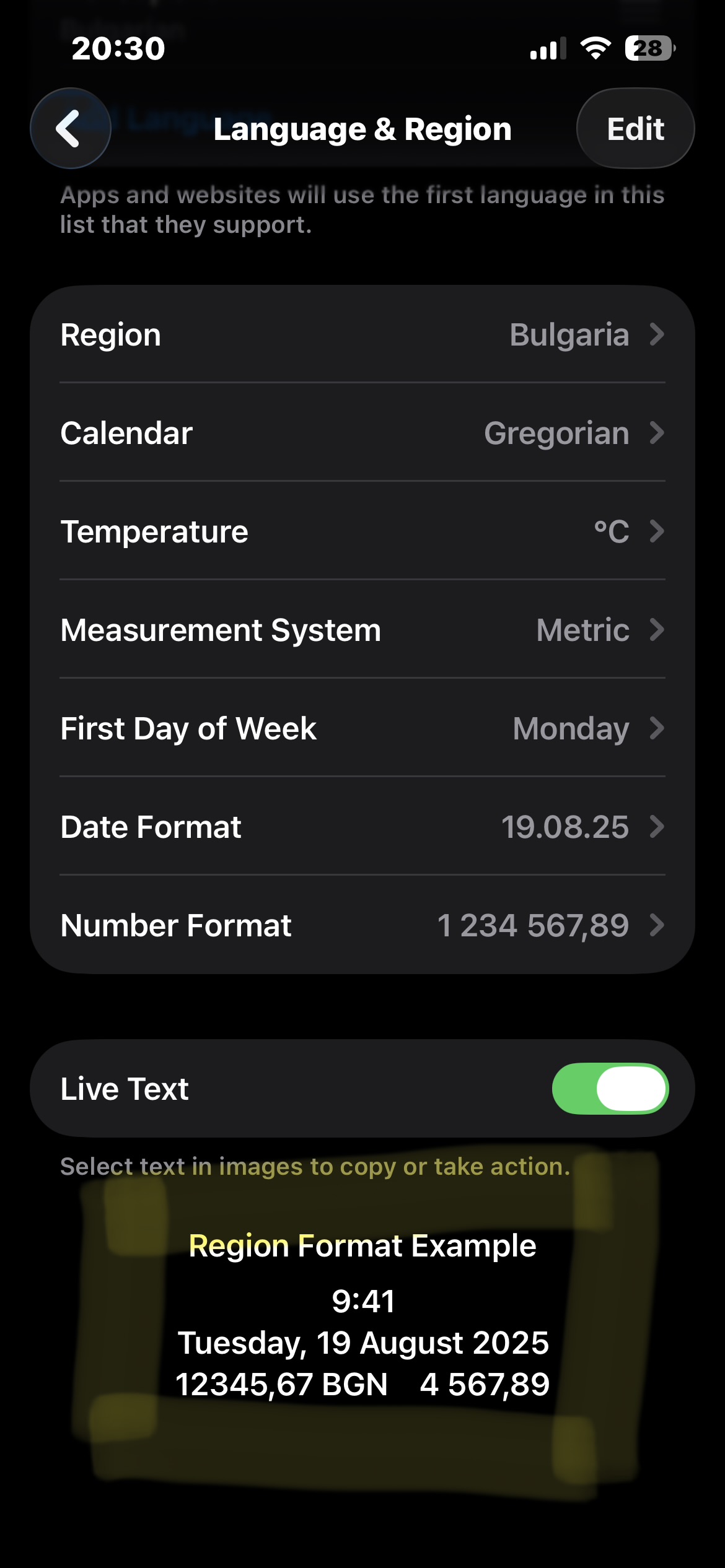
The selected Region is Bulgaria. The first language is English(UK) I double checked its UK and not US.
I reinstalled the app on my phone, and installed it also on my girlfriend’s phone(android) to compare it. I opened the demo file on both phones. The android one is showing the correct date format dd.mm.yy however mine (Iphone) is still showing mm.dd.yy. I am not sure what is going on.
I tested it on iOS with your configuration - if you have the language English and the Region Bulgaria, then the date format is picked up the language “en” (English). I am not reading the local configuration on the phone. That is the reason it is “month/day/year”.
I check: on iOS I actually read the correct date pattern from the system configuration. I fix this.
About Android: you have a similar setup there - system language English and region Bulgaria? Because if you have the language Bulgarian, then this is picked up as date format (but because the app has no Bulgarian language, it falls back to English).